
Grok Video Generator: Turn Text & Images Into AI Video
Grok Imagine turns a text prompt or an uploaded photo into a smooth, cinematic Grok Video in seconds — no footage, no camera, no editing skills. Here's what creators are generating.
Turn Any Photo Into a Grok Video
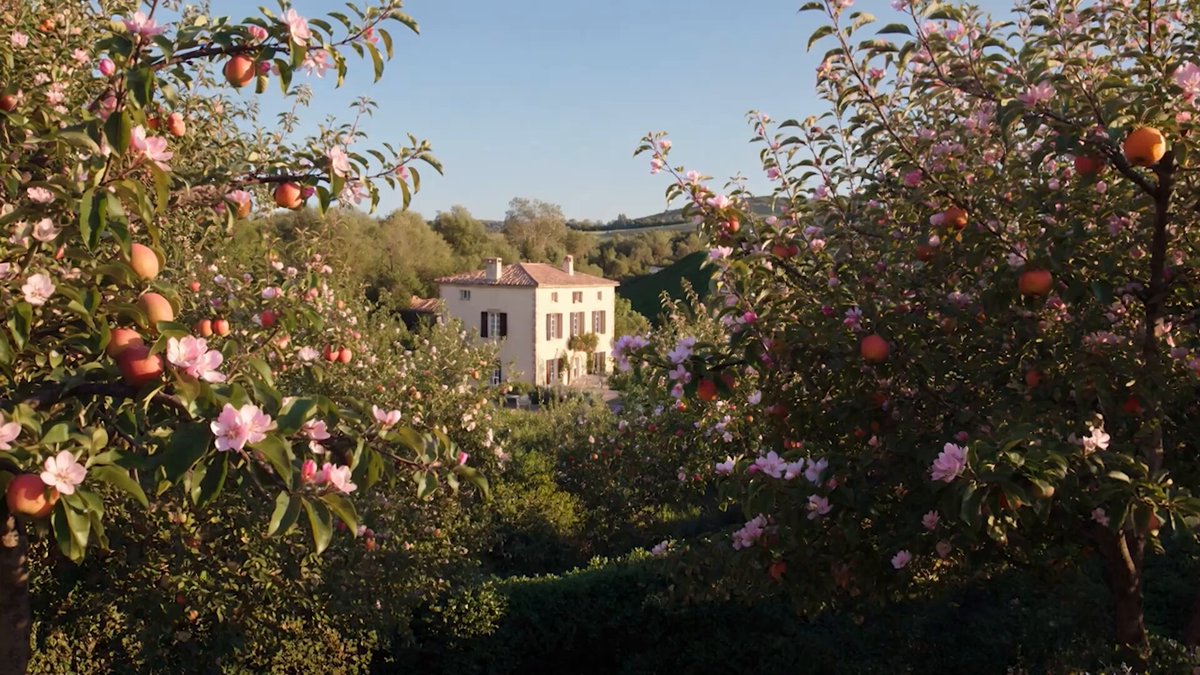
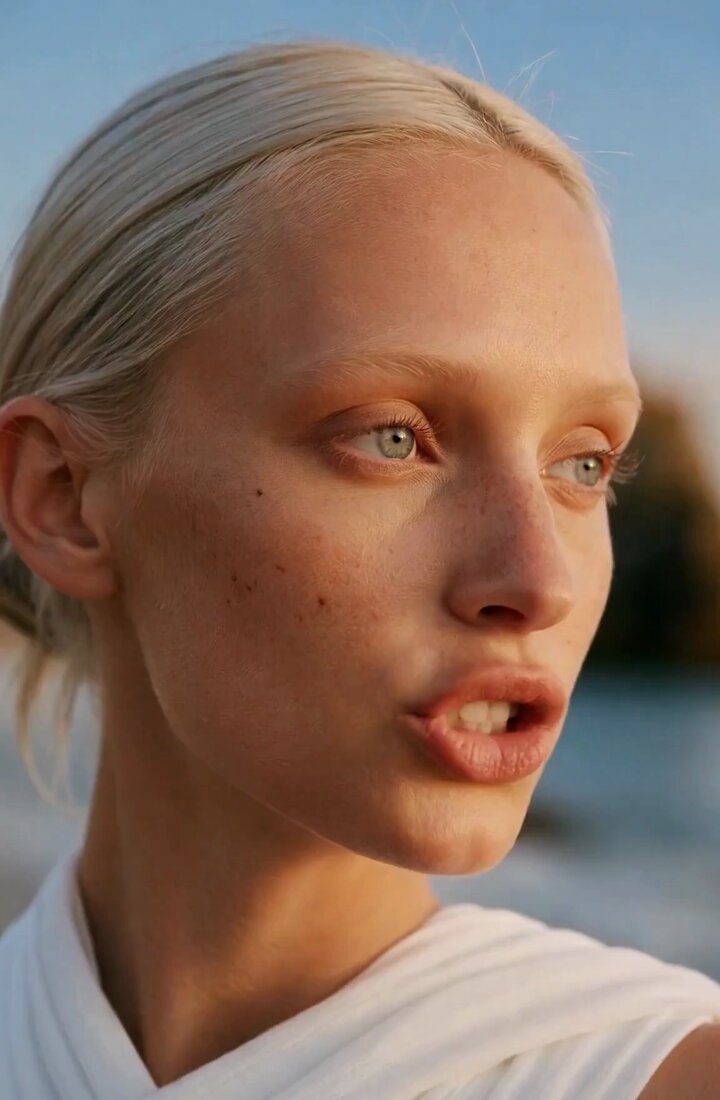
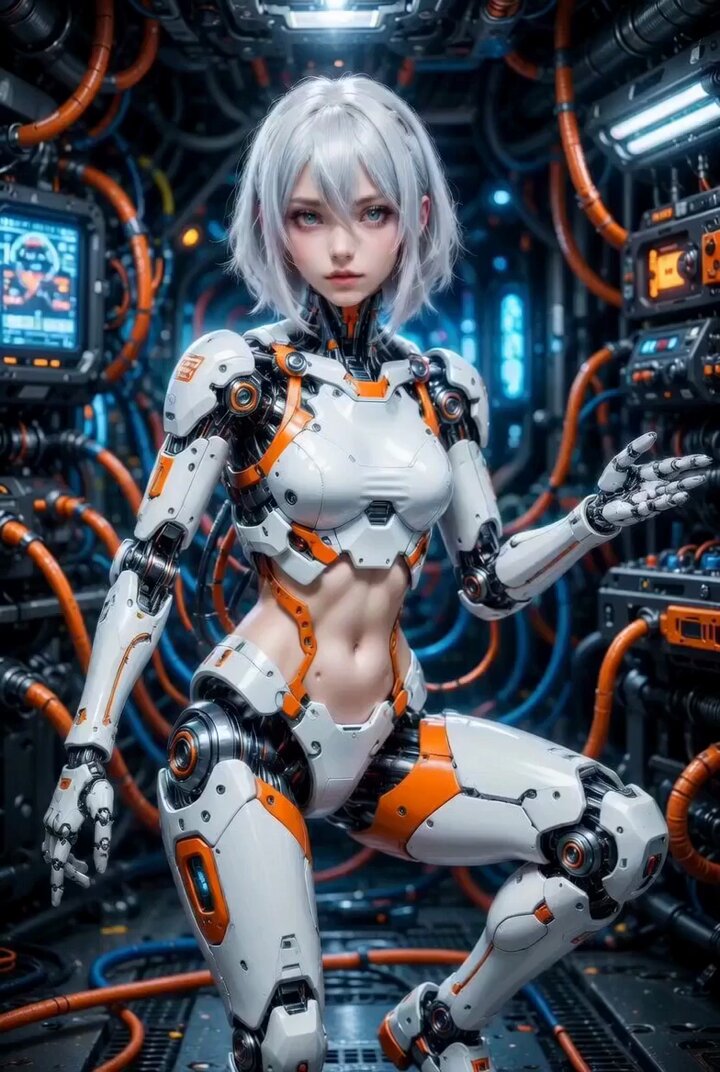
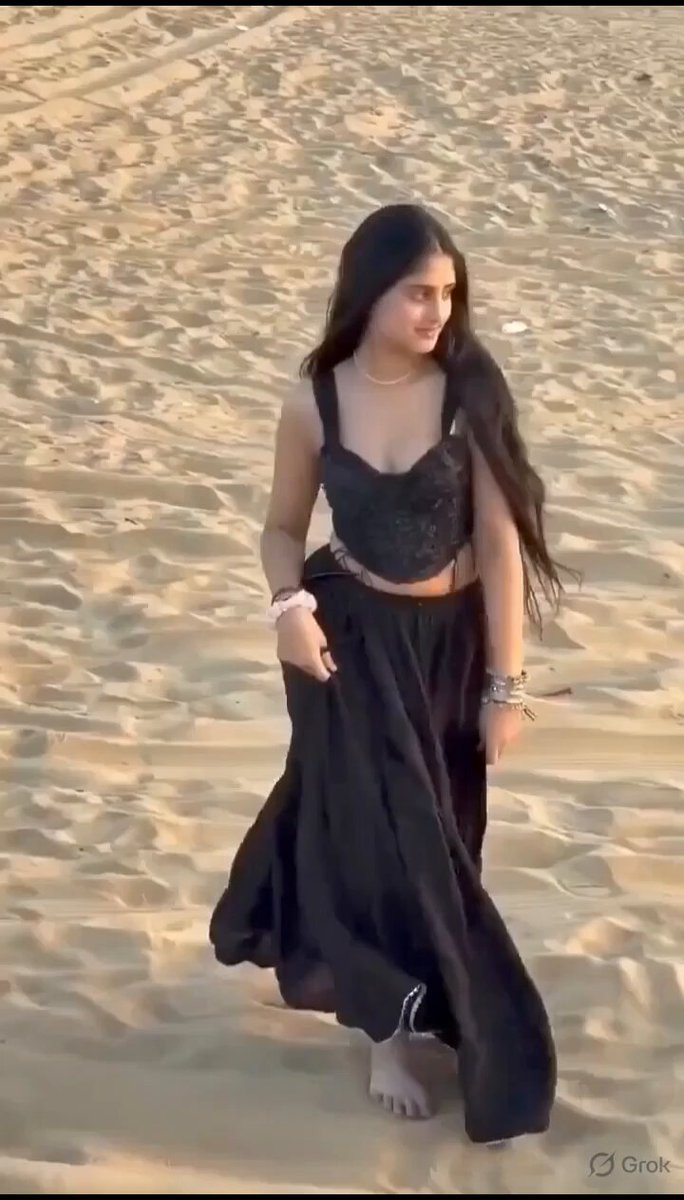
Grok Imagine brings your images to life. Upload a photo, describe the motion you want, and Grok Video renders a smooth, cinematic clip in seconds — no editing skills required.
Why Creators Choose Grok Video
Grok Video turns text prompts and images into cinematic AI videos for social content, ads, and creative projects.
Cinematic Quality, Powered by Grok Imagine
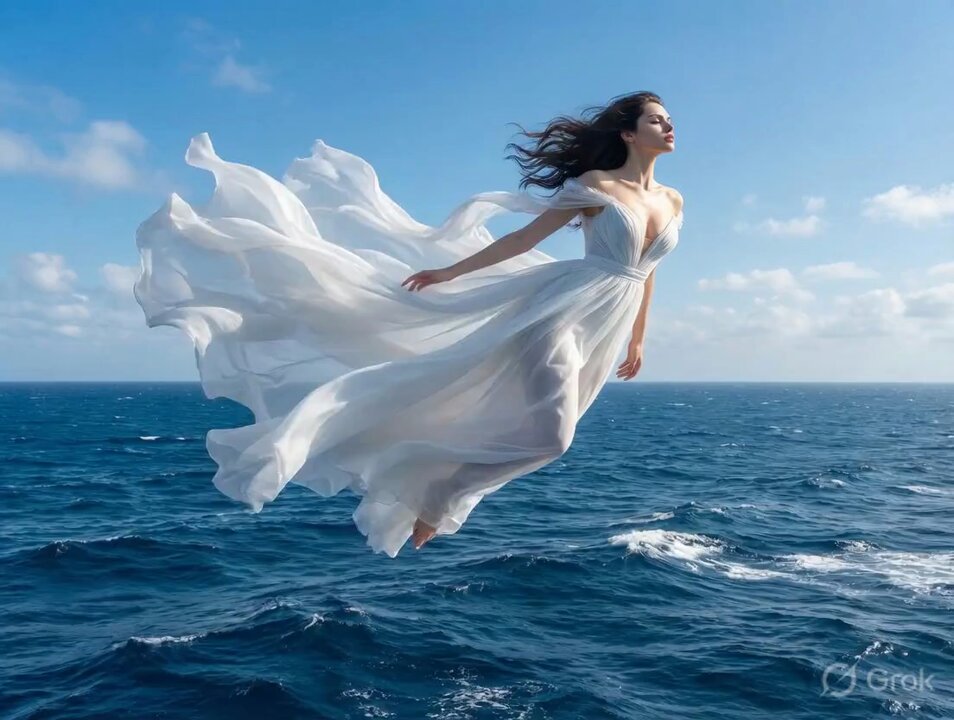
Grok Video runs on Grok Imagine's latest motion models — natural movement, realistic physics, and lifelike detail that make your clips look professionally shot, not AI-generated.
From Photo to Clip in Seconds
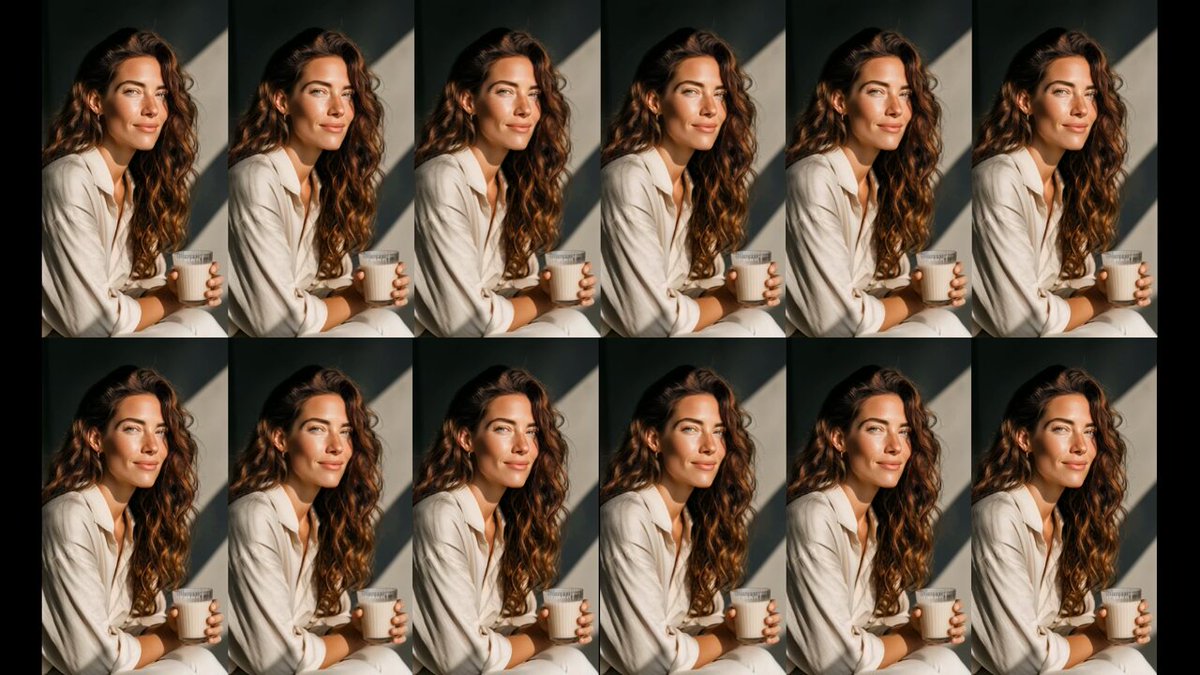
No render queues or production pipeline. Grok Video turns your image into a finished clip in seconds, so you can create, iterate, and post while the idea is still hot.
No Skills, No Software, No Gear
Skip the editing timeline and the learning curve. If you can upload a photo and write a sentence, you can make a share-ready Grok Video — and export it straight to social, ads, or stories.
How to Create a Grok Video
Start from a prompt or upload an image, describe the motion, and generate a cinematic Grok Video.

Step 1: Upload Your Image
Drop in any photo — a portrait, product shot, landscape, or illustration. Grok Imagine reads the composition and depth to plan realistic motion.
Step 2: Describe the Motion
Tell Grok Video how the scene should move: a slow camera push, drifting clouds, a smile, hair in the wind. The more specific your prompt, the better the result.
Step 3: Generate Your Grok Video
Hit Generate and Grok Imagine renders a smooth, cinematic clip in seconds. Preview it, refine the prompt, and download when it looks right.
One Grok Video Tool, Endless Use Cases
Keep your audience hooked
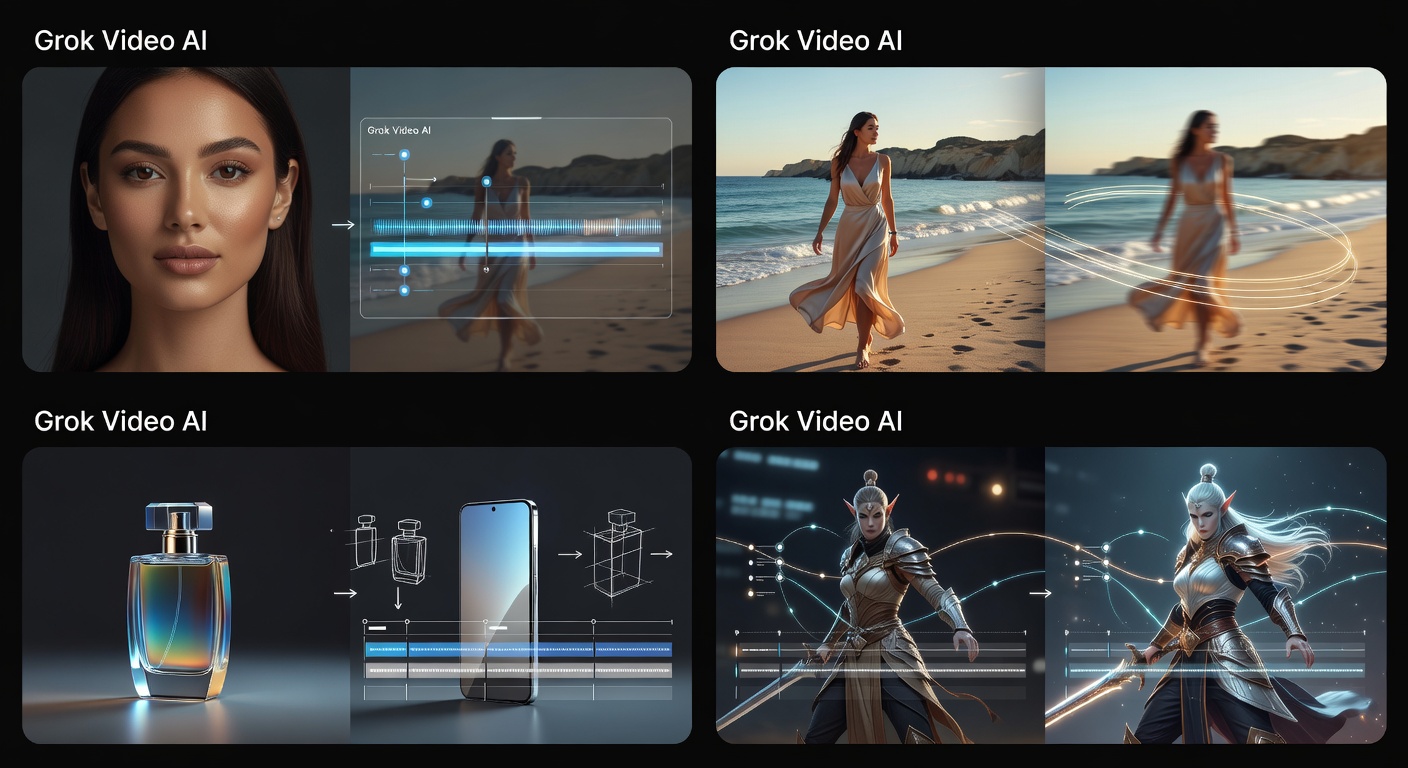
Grok Video turns a single photo into trend-ready clips you can post daily. Stay consistent and on-trend without burning out on production.
Grok Video FAQ
Ready to Create Your Grok Video?
Use a prompt or image and let Grok Imagine turn it into a cinematic video in seconds.