
Step 1: Upload Your First Frame
Drop in the photo you want the video to start from — a portrait, product shot, landscape, or illustration. Grok Imagine Video 1.5 treats it as the opening frame.
Grok Imagine Video 1.5 takes your photo as the opening frame and animates it into a smooth, lifelike clip. Upload an image, describe the motion you want, and Grok Imagine 1.5 renders a cinematic Grok video in seconds — no editing skills required.
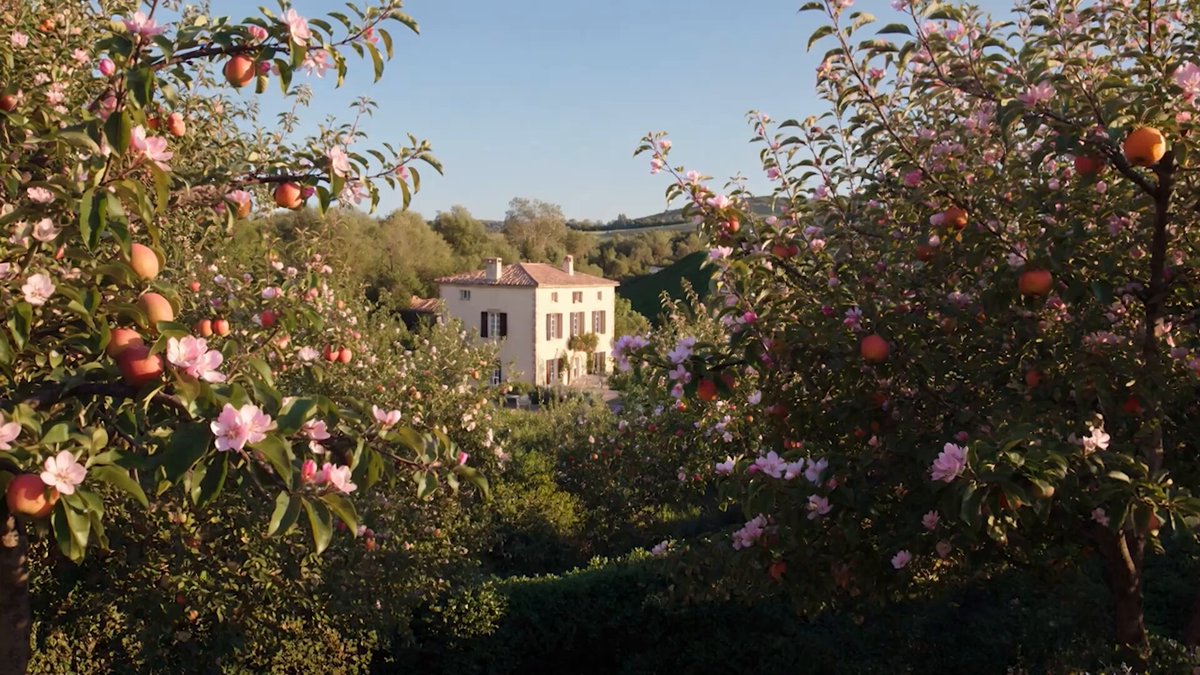
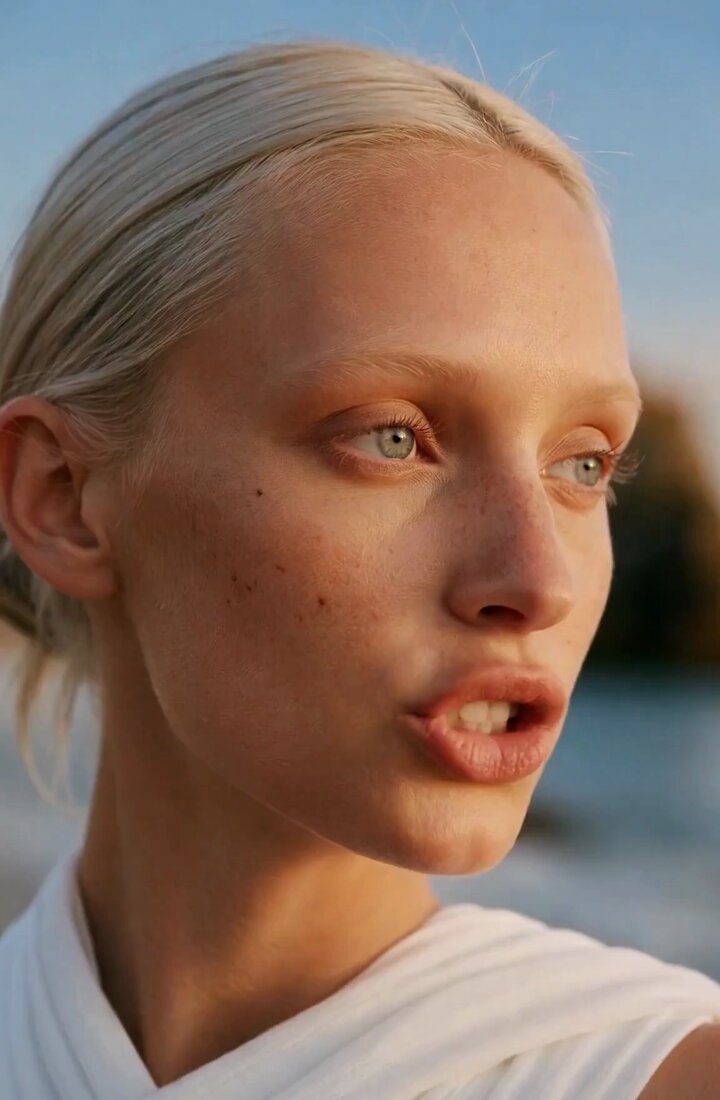
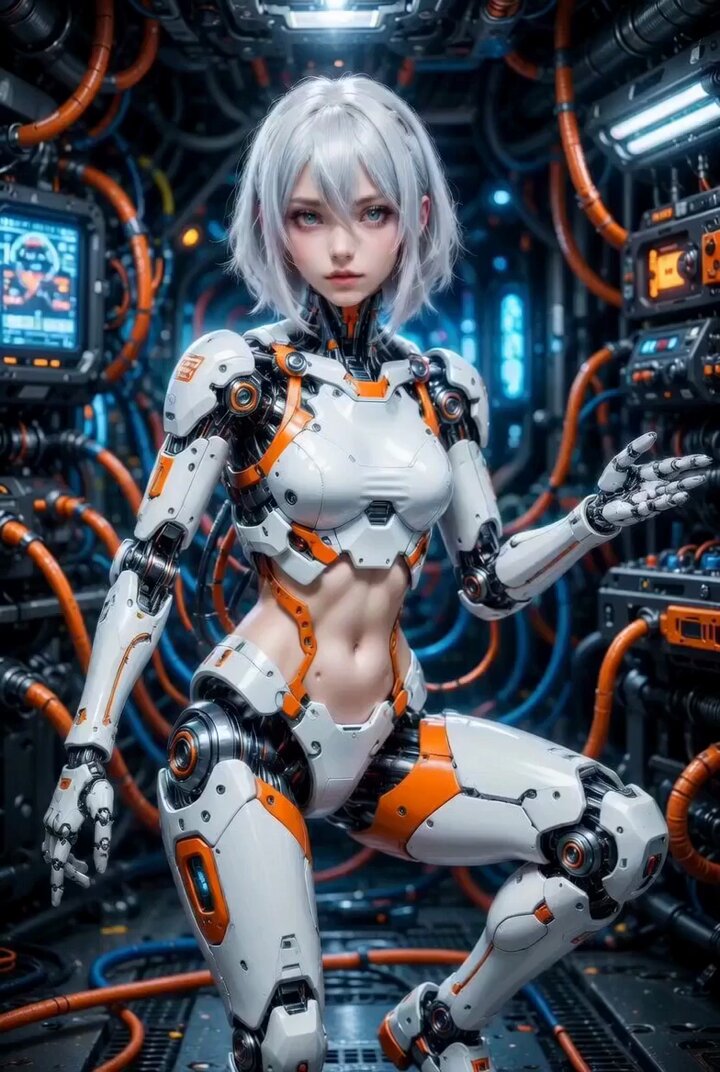
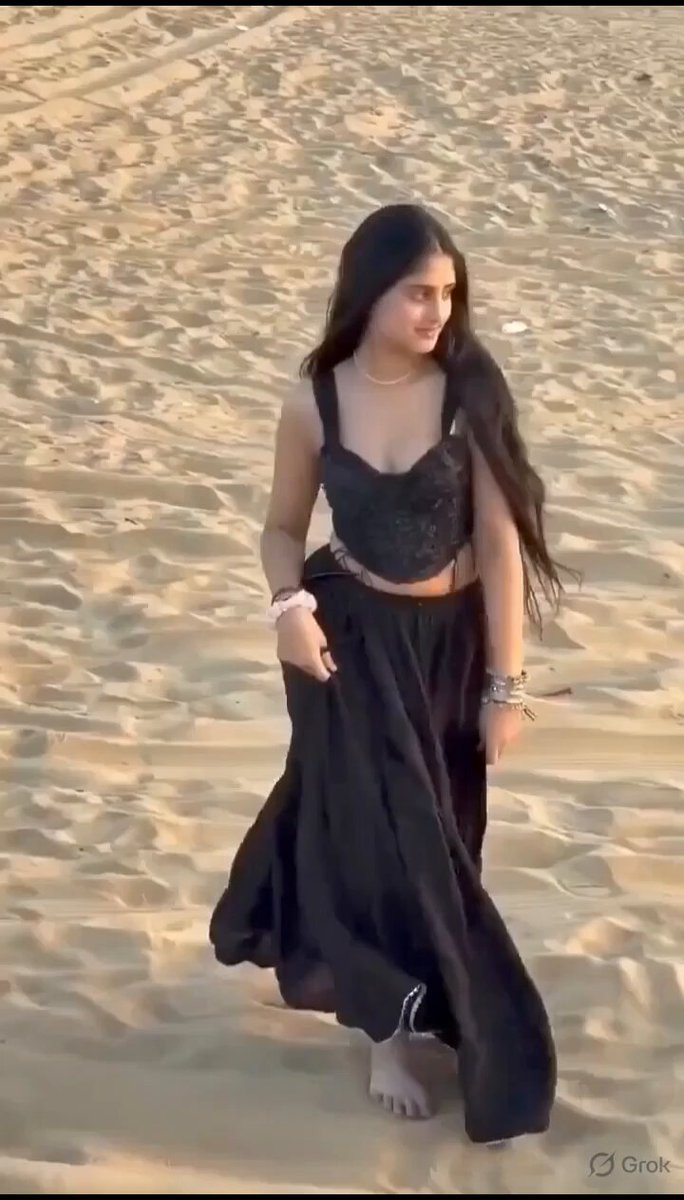
Grok Imagine Video 1.5 turns a single first-frame image into cinematic AI video for social content, ads, and creative projects.
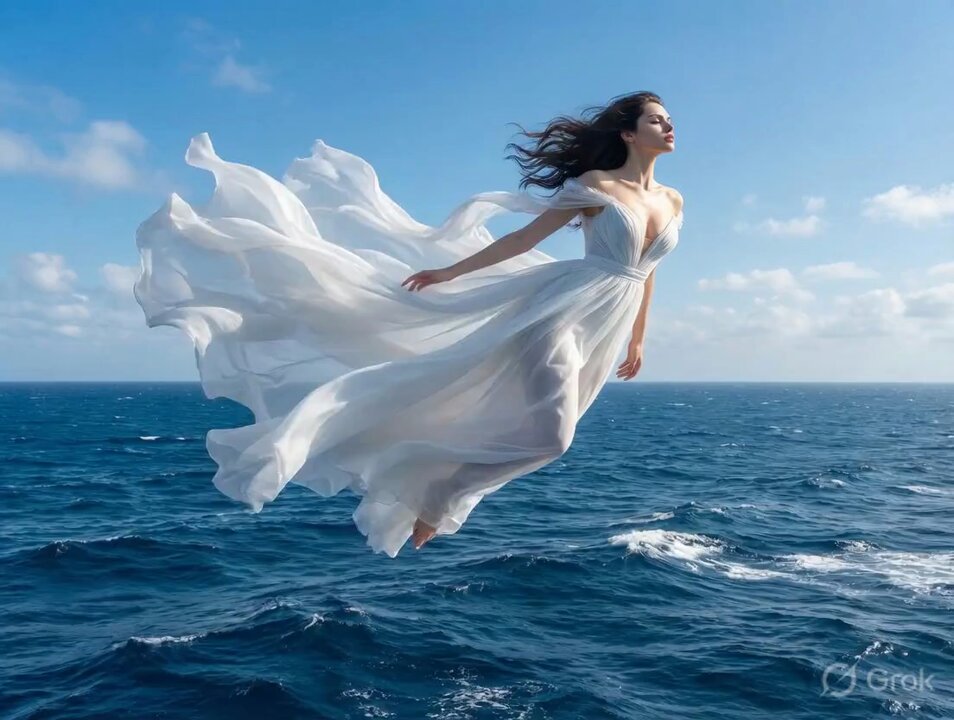
Grok Imagine Video 1.5 is the newest motion model — it reads your first frame and renders more natural movement, steadier physics, and cleaner detail than earlier Grok video models.
Grok Imagine Video 1.5 uses your photo as the exact first frame, so the clip starts from what you uploaded and animates forward — keeping your composition, subject, and style intact.
No render queues, no timeline, no gear. Upload an image, write a sentence about the motion, and Grok Imagine Video 1.5 hands you a share-ready clip in seconds.
Upload your first-frame image, describe the motion, and let Grok Imagine 1.5 generate a cinematic video.

Drop in the photo you want the video to start from — a portrait, product shot, landscape, or illustration. Grok Imagine Video 1.5 treats it as the opening frame.
Tell Grok Imagine 1.5 how the scene should move: a slow camera push, drifting clouds, a smile, hair in the wind. The more specific your prompt, the better the result.
Hit Generate and Grok Imagine Video 1.5 renders a smooth, cinematic clip in seconds. Preview it, refine the prompt, and download when it looks right.
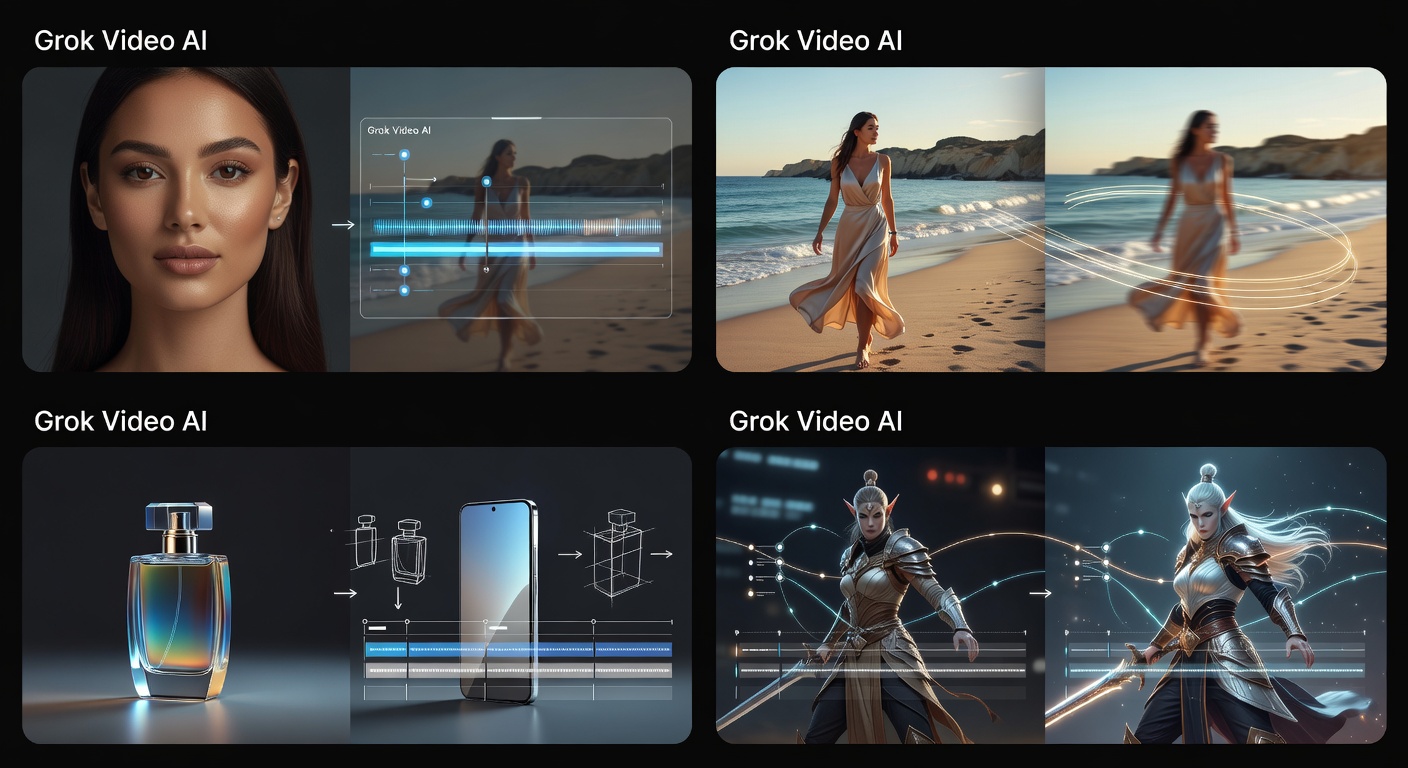
Grok Imagine Video 1.5 turns a single photo into trend-ready clips you can post daily. Stay consistent and on-trend without burning out on production.
Upload a first-frame image and let Grok Imagine 1.5 turn it into a cinematic video in seconds.