Grok Imagine Restyle
Keep the motion, then use Grok Imagine to push the look into a rain-lit movie scene with polished color and atmosphere.
Grok Imagine RestyleCreative AI studio for video and image
Grok Imagine turns text, photos, and footage into social-ready motion clips and sharp visuals. Reference motion, switch styles, add native audio, and export clean 1080p results without editing skills. Start with a free trial, no card required.
Use Grok Imagine, Grok Video, and Grok Video AI workflows to make UGC ads, food commercials, anime action, car chases, and rain-soaked movie scenes from prompts, images, or clips.
Keep the motion, then use Grok Imagine to push the look into a rain-lit movie scene with polished color and atmosphere.
Grok Imagine RestyleAnimate a product shot or creator frame into a bright Grok Video ad that feels native to TikTok and Reels.
Grok Video Product AdsGenerate fast-cut Grok Video AI commercial shots with motion blur, glossy surfaces, and appetizing close-ups.
Grok Video AI Food MotionTurn characters into high-energy action beats with neon effects, expressive poses, and social-ready pacing.
Anime Action ClipsDescribe the vehicle, camera move, and setting. Grok Imagine generates a wide cinematic chase sequence from text.
Grok Video AI Chase ScenesKeep the motion, then use Grok Imagine to push the look into a rain-lit movie scene with polished color and atmosphere.
A sharper mix of creator ads, cinematic action, vertical reels, and stylized character clips chosen for a Western social feed aesthetic.
Grok Imagine Video
Yiiona
NYC Creator ShotGrok Restyle
Apollo
Cute Character ReelGrok Video AI
Hega Lan
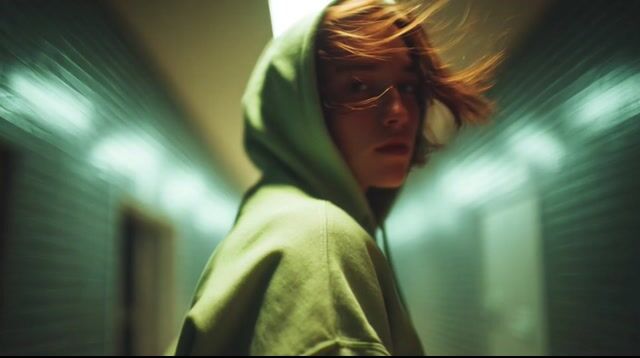
Rain Alley SceneGrok Video AI
Ha_ha
Fast-cut food commercial motion shot
Food Ad MotionCharacter Animation
April
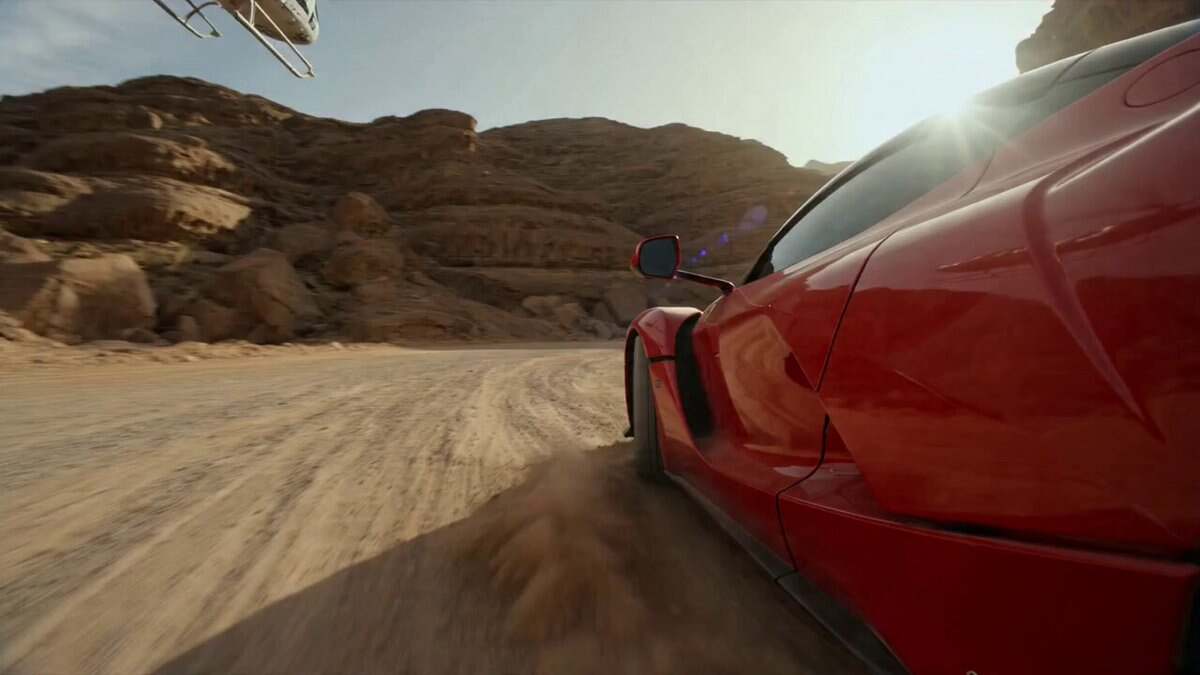
Red sports car chase through a desert canyon
Desert Car ChaseGrok Restyle
Dalloo
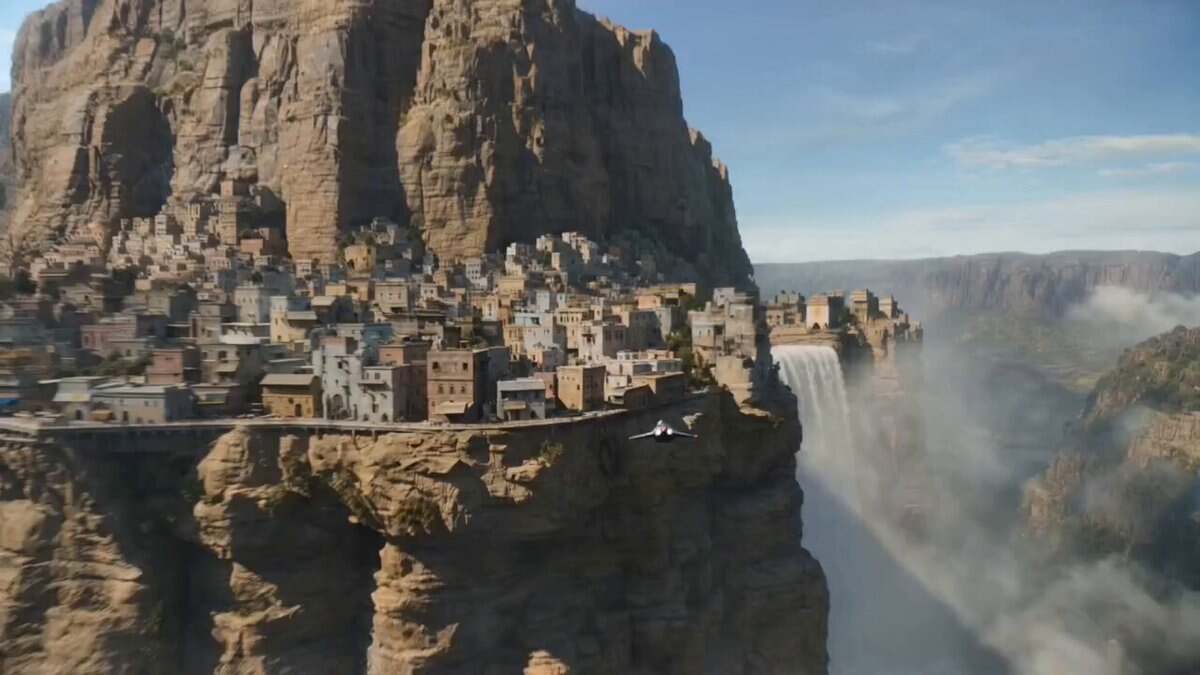
Sci-fi cliff city flythrough
Cliff City FlythroughTalking Avatar
Allo_nov
Creator Product AdGrok Video AI
E8_6
Dark Magic Close-UpGuide motion, camera moves, characters, scenes, and style with plain-language prompts.
Create for TikTok, YouTube Shorts, Reels, ads, thumbnails, and wide-format stories.
Generate clean 1080p video and high-resolution images for publishing, ads, and client drafts.
Generate, compare, refine, and regenerate without waiting through a full editing workflow.
Turn scripts into avatar clips with stable mouth movement and creator-ready pacing.
Move between cinematic, anime, photoreal, product, illustration, and creator-native looks.
From quick social posts to campaign assets, Grok Imagine turns rough ideas into usable media without a production team.
Use Grok Imagine to turn a product photo or campaign line into a polished ad, launch teaser, or Grok Video demo clip.
Use Grok Imagine to build bold brand boards, campaign systems, and visual directions before animating the best frame.
Create Grok Imagine face-led explainers, tutorials, and UGC-style clips without a studio or camera setup.
How animators, editors, designers, and indie filmmakers are using Grok Imagine in their day-to-day work.

Character Animator
I drew a static character, dropped in a reference clip for the motion, and Grok Imagine turned it into a clean dance loop. That's a full day of keyframing I get back every time.

Illustrator
I run my old illustrations through Restyle to test directions before committing. Camera and motion stay locked, only the style shifts — a clean way to explore without redrawing.

Freelance Video Editor
Pushing a clip into anime, cinematic, or photoreal in one pass means I can show clients three directions in an afternoon instead of three days.

Short-form Creator
Drop a product photo, type the motion I want, get a vertical clip that's ready to post. Most of my Shorts hooks come out of this workflow now.

Indie Course Maker
Lip sync is the part most tools fumble. Pasting a script and getting back a steady talking-head clip is the first time I've trusted an avatar for actual explainer modules.
Indie Filmmaker
Generate, compare, regenerate — the loop is fast enough that I treat it like rough drafting. By the fourth pass I usually have something I'd actually publish.
Anime Creator
Anime style plus character animation is the combo for me. Image takes under a minute, the motion pass another minute, and the result lands close to the look I sketched.
Brand Designer
Cycling cinematic, illustration, and product looks on the same input is the fastest mood-board workflow I've used. Keep the strongest frame, animate from there.
Creative Director
Writing the scene, mood, and camera move and getting back a clip with native audio means I can prototype a full trailer beat before I even open an editor.
Answers about Grok Imagine Video, Grok Video AI, Grok Imagine AI, free credits, output quality, and commercial use.
Start with a free trial. Generate motion clips and sharp visuals with native audio, social ratios, and no editing skills required.